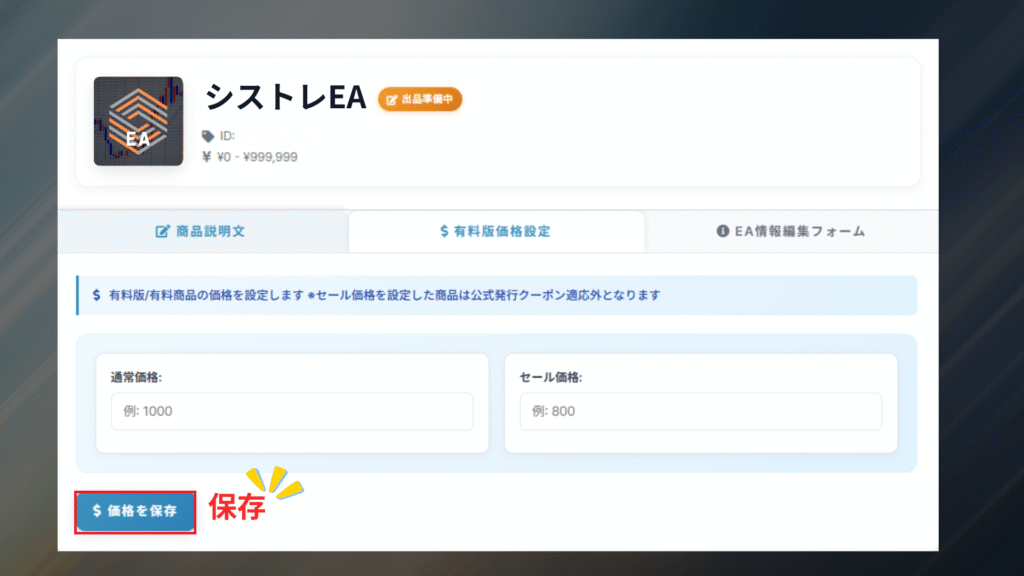
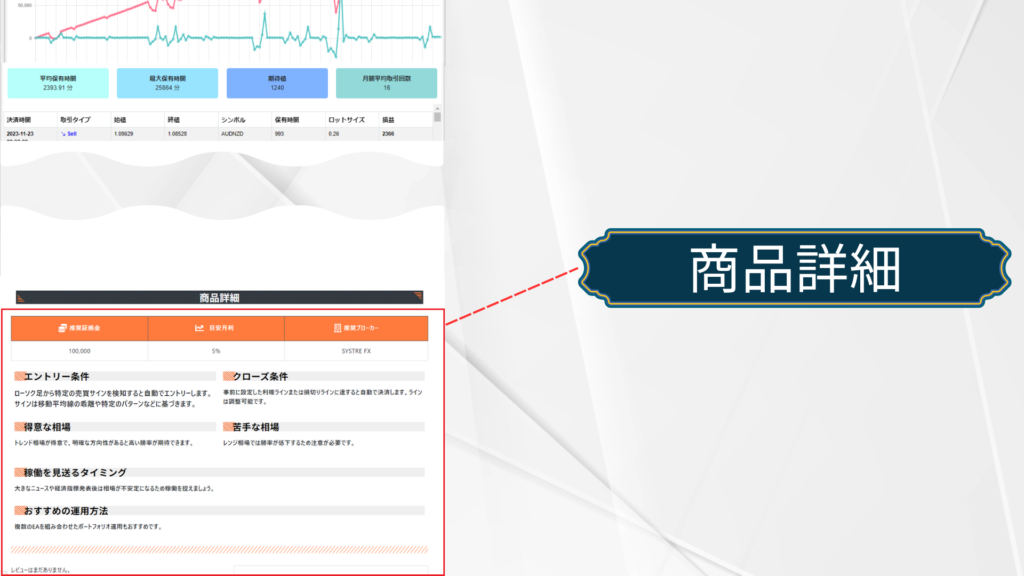
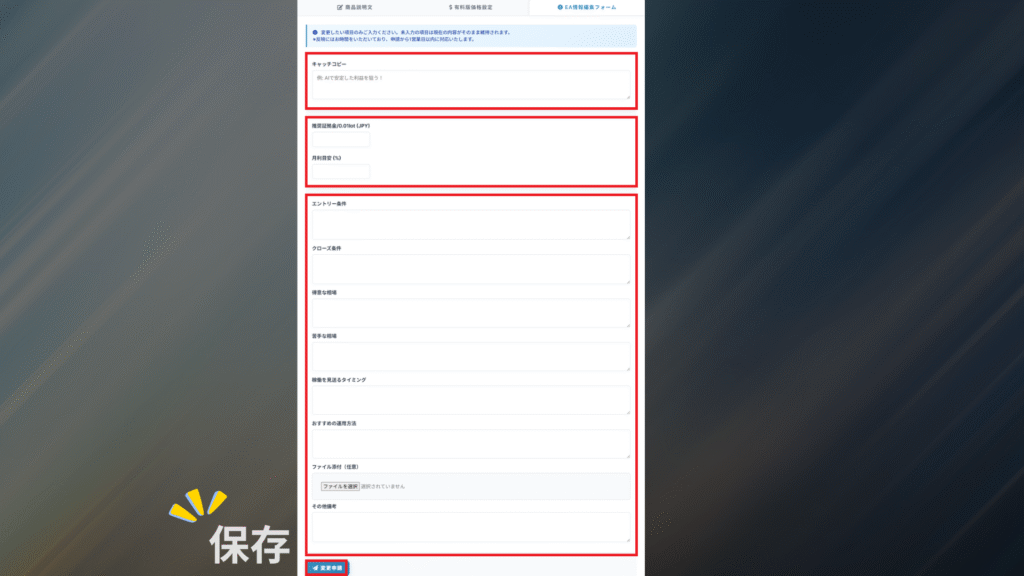
Store Settings
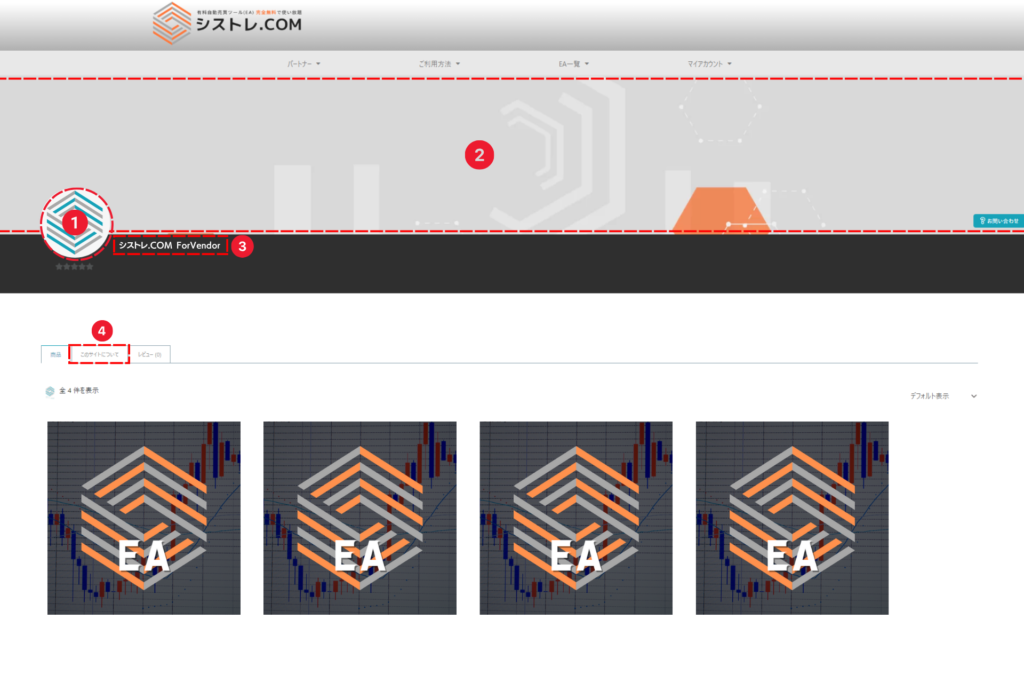
① Store Image
Go to Dashboard > Settings, upload your store image, then click Save at the bottom right.
Recommended: 500 × 500
Recommended: 500 × 500
② Store Banner
Go to Dashboard > Settings, upload your store banner image, then click Save at the bottom right.
Recommended store banner size: 1650 × 350
Recommended mobile banner size: 520 × 250
Recommended store banner size: 1650 × 350
Recommended mobile banner size: 520 × 250
③ Store Name
If you did not set a store name when registering as a vendor, it is generated automatically from the part of your registered e-mail address before the @.
To change it, please contact our team.
To change it, please contact our team.
④ Store Information
Go to Dashboard > Settings and enter your store information.
- Prohibited -
• Content that directs users to other platforms
• Affiliate links for other platforms
• Content intended to poach users to other platforms
- Prohibited -
• Content that directs users to other platforms
• Affiliate links for other platforms
• Content intended to poach users to other platforms