









联系我们
使用方法
✨
⭐
💫
✨
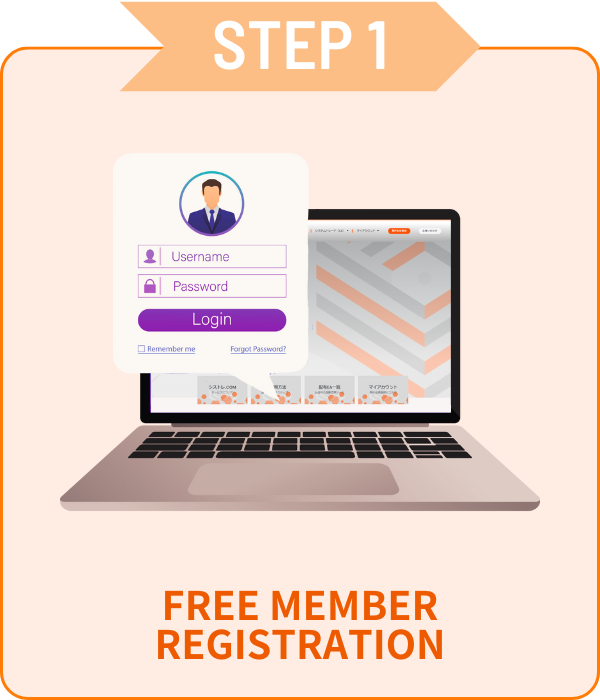
免费版只需简单3步!
免费无限使用高性能付费EA!
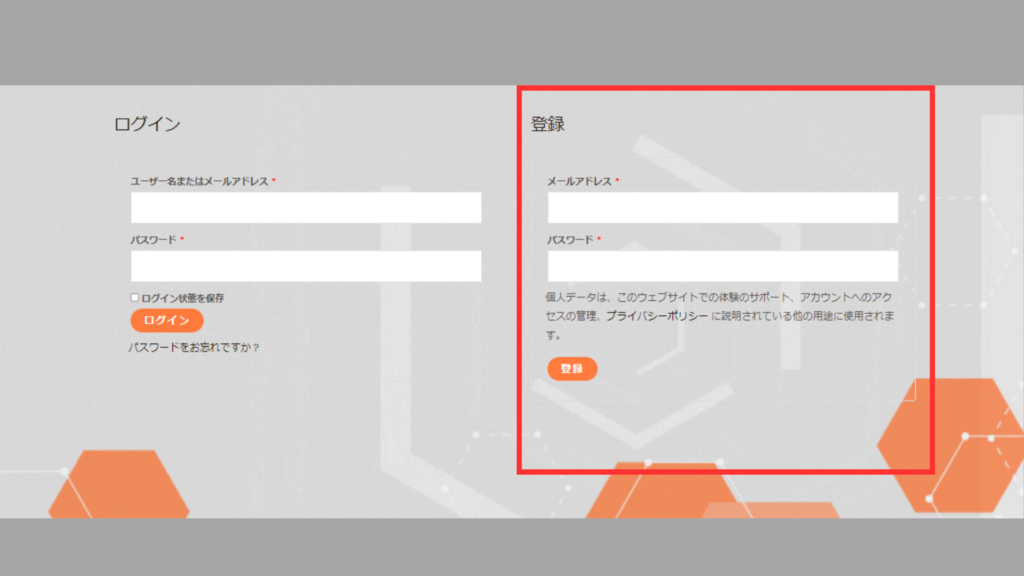
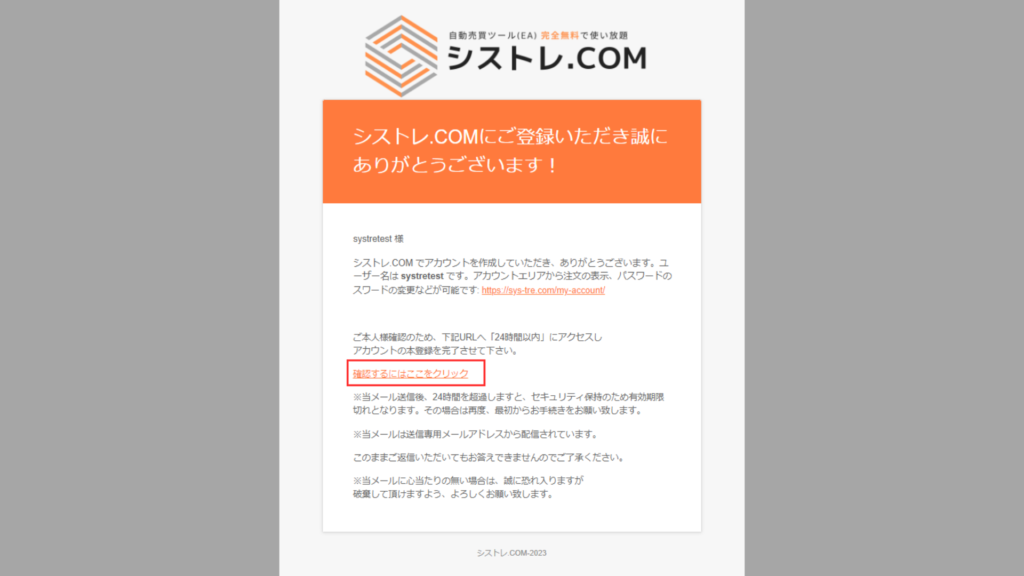
只需邮箱和密码!
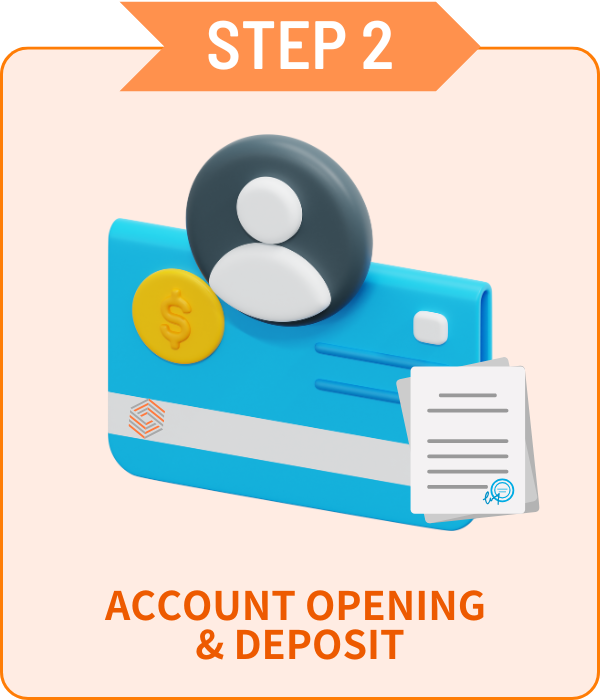
开设账户
选择喜欢的外汇公司开设账户!
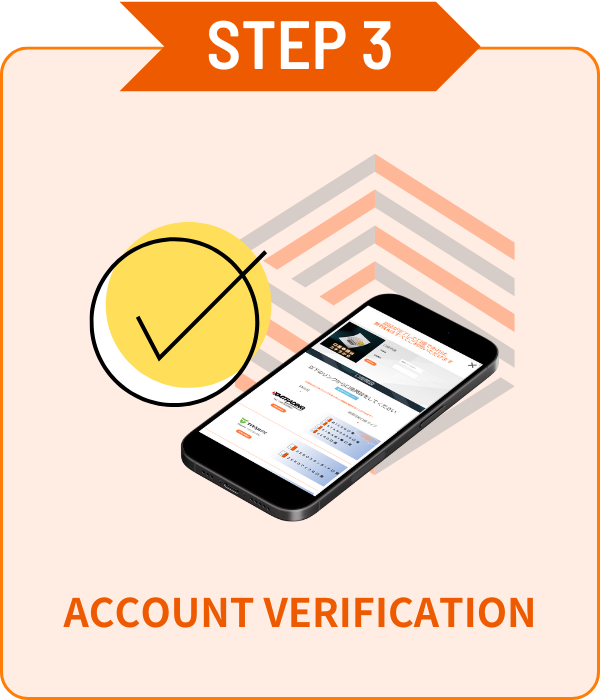
账户认证
在我的账户页面轻松完成账户认证!
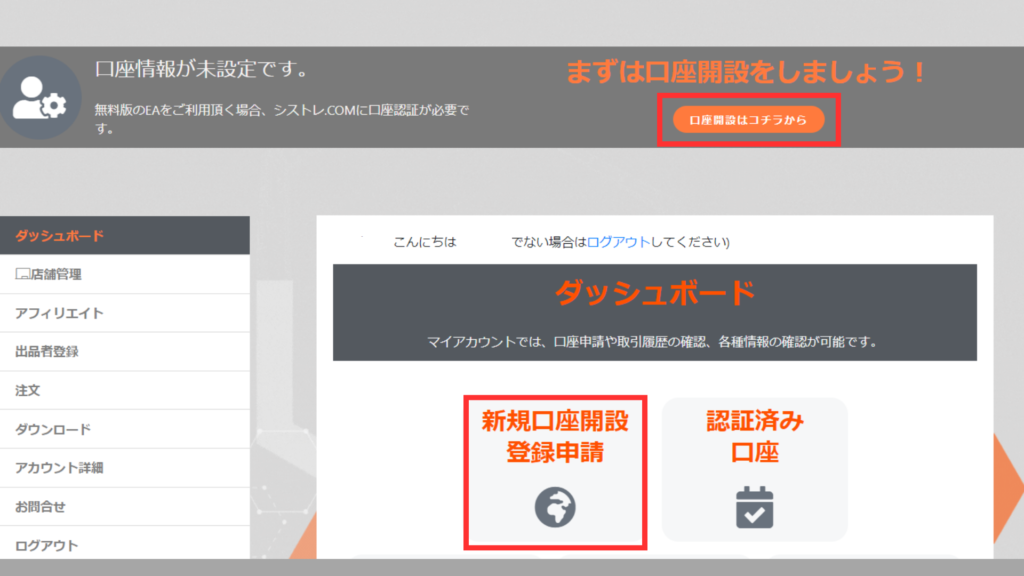
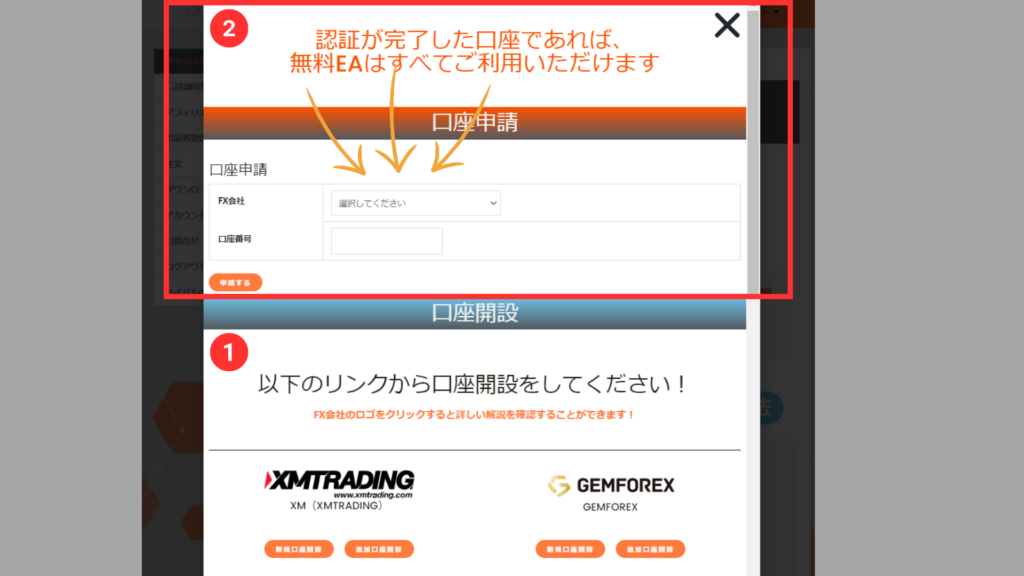
01账户申请表
从[我的账户]仪表板点击[新账户注册申请]显示申请表。
02账户认证
从下拉菜单选择开户的外汇公司,输入账号后点击申请按钮。
※账户认证可能需要几天时间。
※如果您持有非通过本站开设的账户,请从上述STEP2开设追加账户。
ALL FREE!
认证完成的账户,
所有EA免费使用!
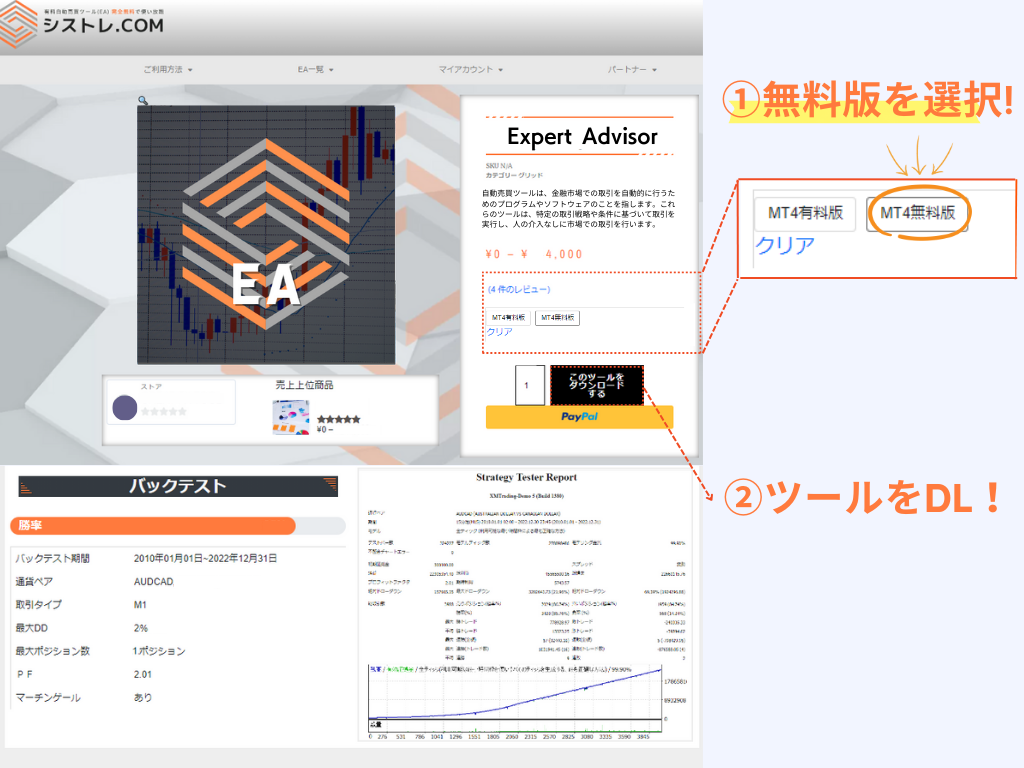
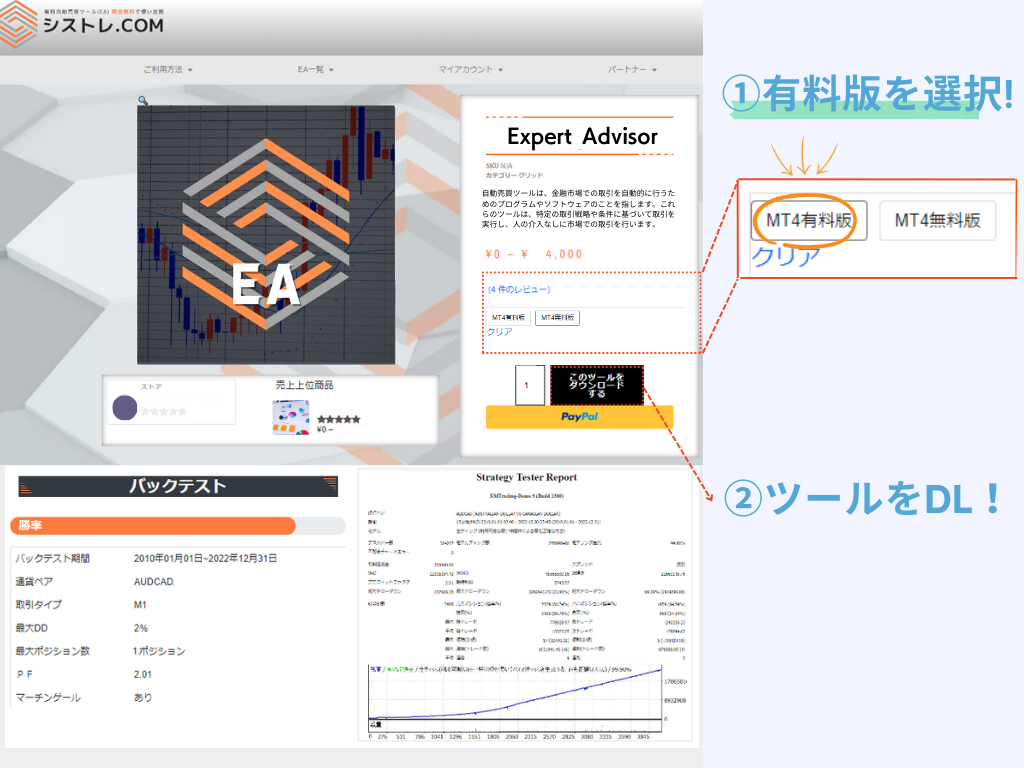
商品下载方法
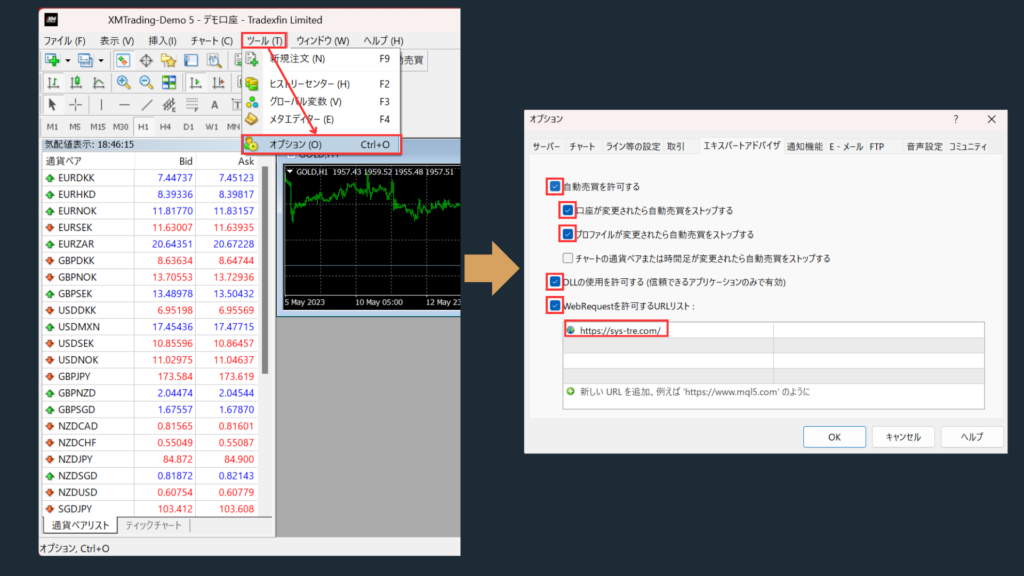
EA设置
★允许WebRequest
- 请将 https://sys-tre.com/ 添加到WebRequest允许的URL列表中。
勾选"允许自动交易"。
勾选"允许DLL导入(仅限受信任的应用程序)"。
↓将以下内容复制到URL列表!↓
https://sys-tre.com/
Meta Trader
下载的EA可以通过在交易平台上设置来开始自动交易!
常见问题
It’s a website where you can use FX tools and automated trading tools developed by Japanese engineers completely free of charge!
For more details, click here! ▼
What is SYSTEMTRADE.com?
We offer high-performance EAs that have passed strict screening and are currently being forward-tested!
At SYSTEMTRADE.com, you’ll find a wide variety of tools, including commercially available paid EAs and independently developed ones, tailored to different trading styles and currency pairs.
👉 Browse All EAs Here
Because SYSTEMTRADE.com receives compensation from partner FX brokers.
When you use a free EA, you’re required to open an account with a designated FX broker. As you trade, the broker pays a commission to the EA provider based on your trading volume. This system allows you to access high-quality tools without any direct cost.
The key difference is whether or not the account is tied to a specific broker.
With the Free version, you can use our tools by opening an account with one of the FX brokers specified by SYSTEMTRADE.com and verifying it via your My Account page. Once verified, you’ll have full access for that account.
The Premium version allows you to use the tools with any broker or account type of your choice, as specified at the time of purchase.
※ No membership registration is required to purchase the Premium version.
There is no difference in the performance or logic of the EA itself.
The only difference between the Free and Premium versions is whether the EA is restricted to a specific broker account.
Both versions provide access to the same EA with identical functionality.
There is no limit to the number of EAs you can use.
As long as your account is verified, you can use as many Free EAs as you like—no restrictions.
Click here to view the full list of available EAs.
You can switch the account linked to your Premium version up to once per week.
If you wish to do so, please contact us.
We use it solely for managing product sales operations. Your information will never be made public on the site or shared with any third parties.
Your personal details will also not be disclosed to the stores or sellers offering the products.
Data is updated on the site in real time whenever the EA makes a trade.
Check out the Popular EA Rankings here.
Please contact the vendor’s store directly.
You can reach out to each vendor store via: Menu > Vendor Store > Contact Us.
After sending your inquiry, you can communicate with the store in a chat format from My Account > Inquiries.
There is no limit to the number of accounts you can register.
As long as the accounts were opened through SYSTEMTRADE.com, you can register an unlimited number of them.
Once an account is approved, you can use the free version of the EA without any restrictions.
Please check your MT4 settings.
Please review STEP 5 in the following link: “Setting up the Expert Advisor.”
Go to [Tools] → [Options] → and add https://sys-tre.com/ to the list of allowed URLs under WebRequest.
If this does not resolve the issue, kindly contact our customer support team for assistance.
We recommend using the paid version.
The free version can only be used with accounts created on SYSTEMTRADE.com.
If you already have an existing account, the EAs purchased with the paid version will be available for use.
We recommend using the paid version
The free version is only available for accounts created through SYSTEMTRADE.com.
If you already have an existing account, EAs purchased with the paid version can be used on it.
If you already have an account, please open an additional account.
For detailed instructions on how to open an account with each FX broker, please refer to the list of brokers below:
You can switch your account from My Account > Switch Paid Plan Account.
Please note that account switches are limited to once per week.
FX交易有盈利机会,但也可能导致低于初始投资的损失。
过去的EA运营业绩仅供参考,不保证未来收益。
-1.webp)


