


SYSTEMTRADE.COM For Vendor

EA Listing Manual

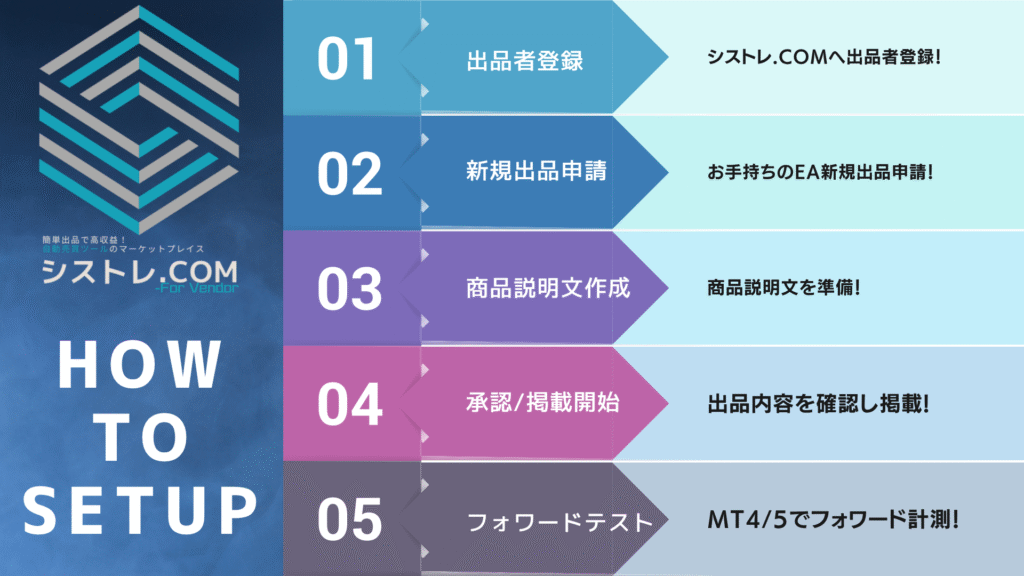
If you have everything ready, the EA listing application takes only about 10 minutes!

EA「FVHOWTOSTEP」の紹介画像|SYSTEMTRADE.COM

What to Prepare

EA Submission Requirements
If you have everything ready, the EA listing application takes only about 10 minutes!
📄
EA File
.MQ4 / .MQ5

The source code of the Expert Advisor (EA) you developed or are using

💡 You can also submit in EX4/EX5 format by adding dedicated account verification and trade history data logic and compiling

Details Here
📊
Backtest Results
HTML Format

EA backtest results saved in HTML format

📅 Please submit backtests covering approximately the past 10 years
📈
Backtest Images
GIF / PNG

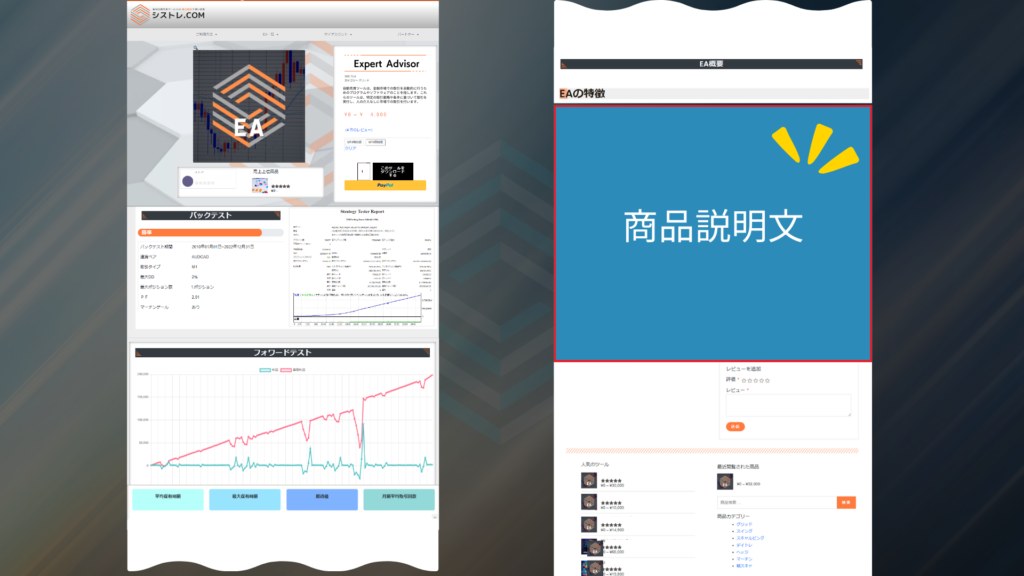
EA backtest results displayed as graphs and charts for easy visual understanding

📦 If there are multiple files, please submit in ZIP format
🔢
Magic Number
Numeric

The unique identification number set in the EA

⚠️ If there are duplicates within the service, we may ask you to replace it

New Listing Application

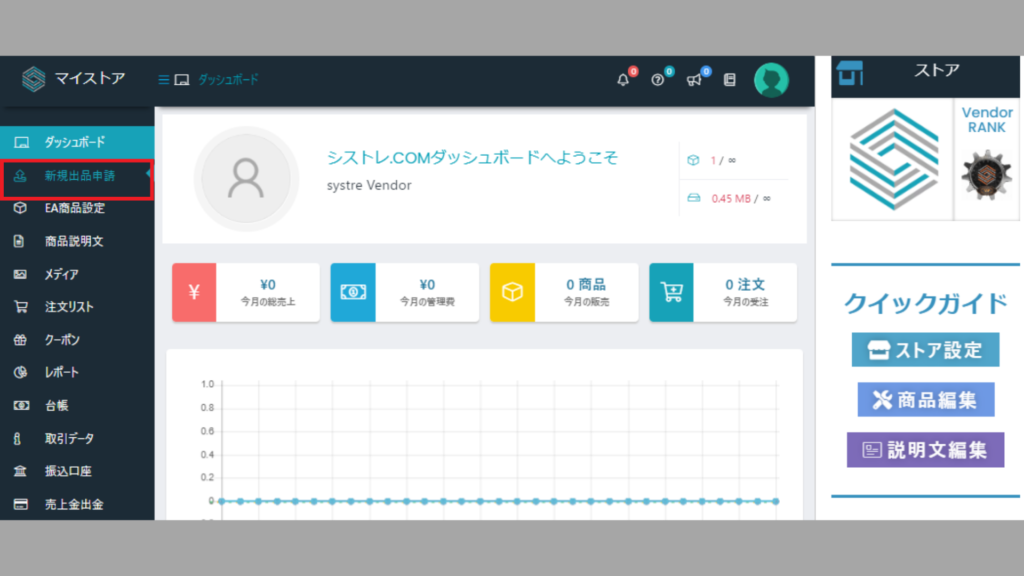
Select "New Listing Application" from the Store Manager

 You can also navigate from the button below ▼

SYSTEMTRADE.COM image | SYSTEMTRADE.COM

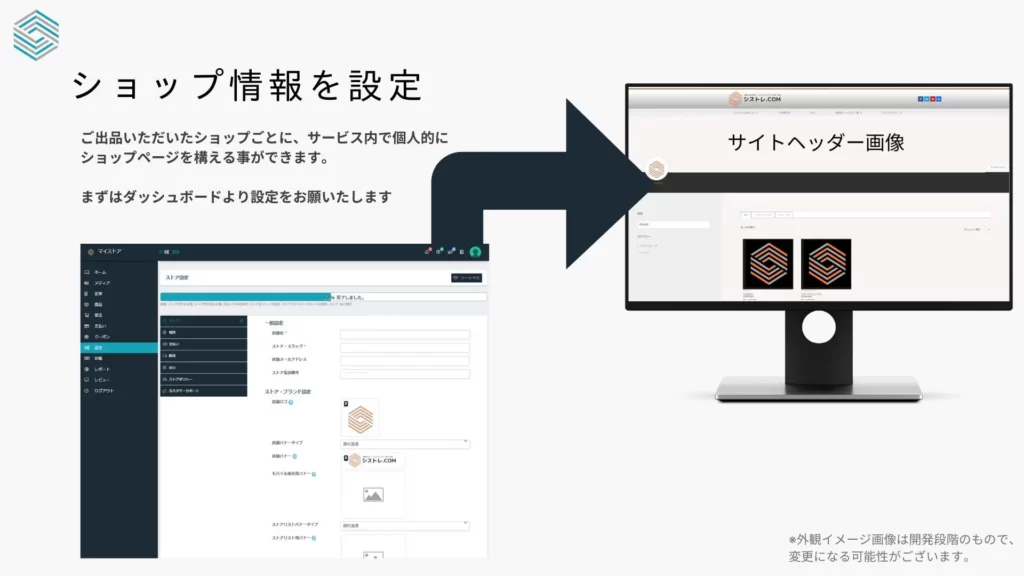
Prepare Before Opening Your Store!

Vendor_ Product_settingsのテンプレート画像|SYSTEMTRADE.COM
SYSTEMTRADE.COM logo | SYSTEMTRADE.COM

Application Approved

 Forward Test Measurement

Based on the account type selected during your listing application, forward test data will be reflected on the product page in real time.

EA Listing Process
From application to publication
01
📝
Listing Application
Same-day reception

We accept listing applications for your EA products. We will verify the required documents and information, and begin the review process.

📋 If there are any deficiencies in the submitted materials, we may request additional submissions
02
Review Period
3 days - 1 month

Approval typically takes from 3 days to about 1 month. We will verify the EA product content and performance data.

⚡ The review period may vary depending on product complexity and market conditions
03
Approval Notification
Email notification

After approval, we will send you an email to confirm your store settings and product details.

📧 Please review the content and adjust settings as needed
04
🚀
Publication Start
Same day at earliest

The publication start date can be arranged from the same day at earliest. Please check your email and let us know your preferred publication date.

⚠️ If no date is specified, the product will be automatically published on the shop page after 1 week

Forward Test Measurement

About Forward Testing

 Based on the account type selected during your listing application, forward test data will be reflected on the product page in real time.

SYSTEMTRADE.COM image | SYSTEMTRADE.COM

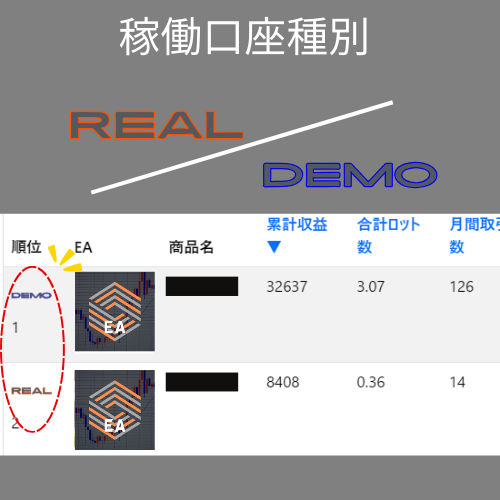
Admin Measurement (Demo Account)

active account type_DEMO
⚠️ Important Notice
If you wish to use a demo account for forward testing, you must list your EA in MQ4/MQ5 format.
If you list in EX4/EX5 format, forward testing will be conducted on a live account. Please be aware of this in advance.
Item
Live
Live Account Measurement
Demo
Demo Account Measurement
Forward Measurement
By the vendor
By admin team
Account Type
Live Account
Demo Account
EA Submission Format
EX4/EX5/MQ4/MQ5
All formats supported
MQ4/MQ5 only
Source code required
Measurement Tool
Dedicated EA provided
Data transmission tool
Not required
Measured directly by admin
Trading Lot Size Fixed 0.01 lot Fixed 0.01 lot
Data Reflection
  • Real-time reflection
  • Real-time reflection
Main Restrictions
  • Demo account not available
  • Fixed 0.01 lot operation
  • MQ4/MQ5 format required
  • Fixed 0.01 lot operation
Important Notes
  • A data-only transmission tool with no trading logic
  • Data measured based on magic number
  • EAs with excessive risk may be declined for listing
  • May be asked to switch to vendor measurement based on performance

Vendor Measurement (Live Account)

active account type_REAL

 After your listing application, we will send you a dedicated EA for forward testing.

A data transmission tool with no trading logic will be measured on the developer’s live account.

Please apply it to the MT4/5 chart where your EA is running. Data is measured based on the magic number.

Please run forward testing at 0.01 lot.

Forward Test EA Setup Guide
Please add the following URL to the "Allow WebRequest URL" list
URL to add
If you have any questions, please feel free to contact us!
▼If you have any questions, please feel free to contact us!▼

    We will reply to the email address you entered within a few business days.

    Scroll to Top