
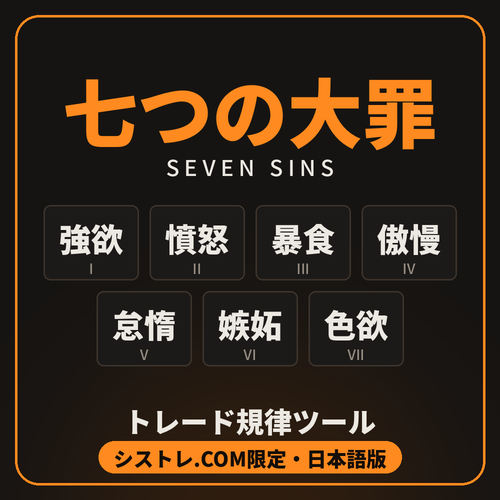
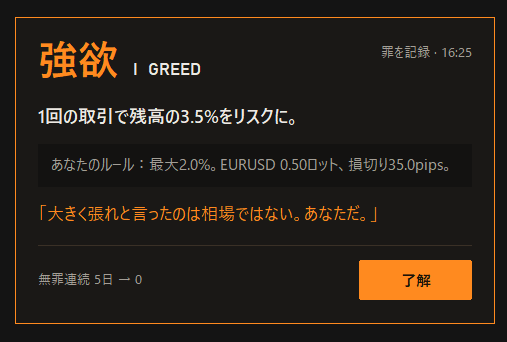
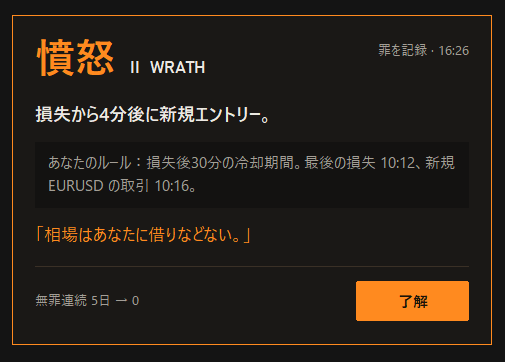
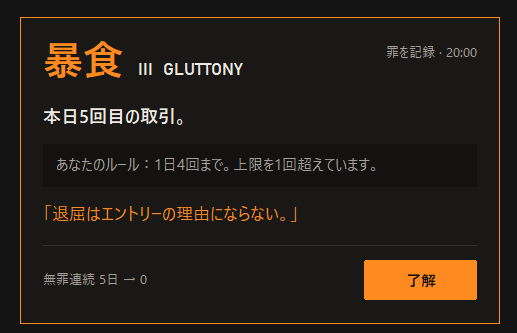
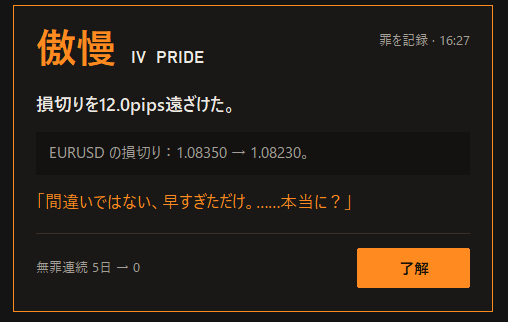
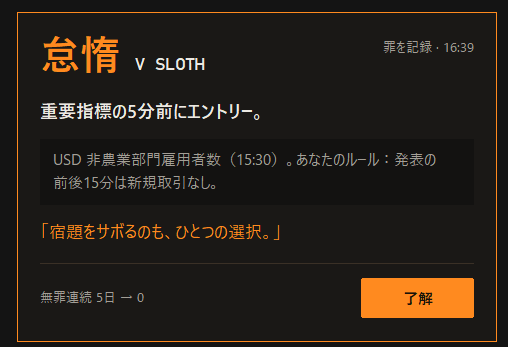
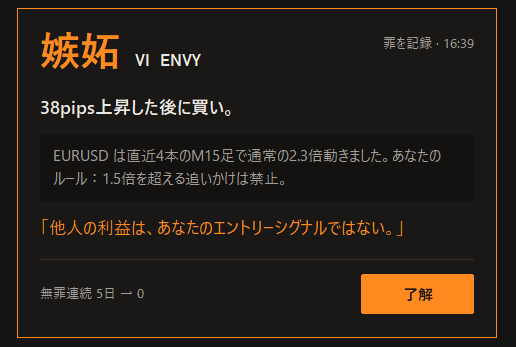
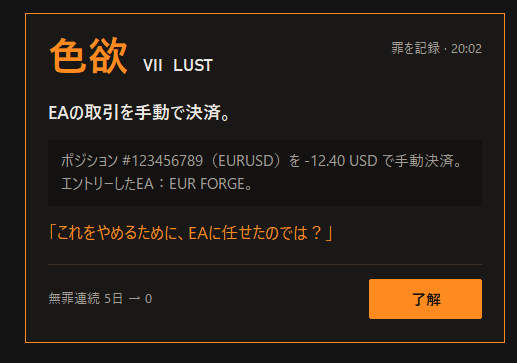
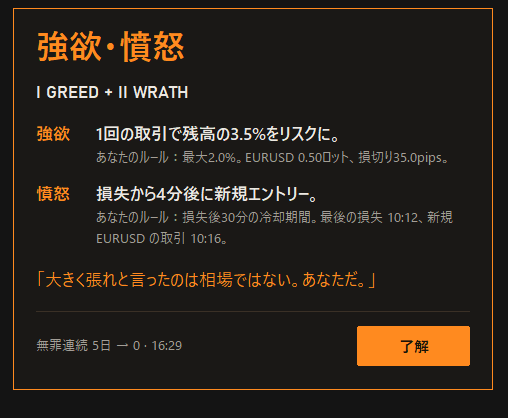
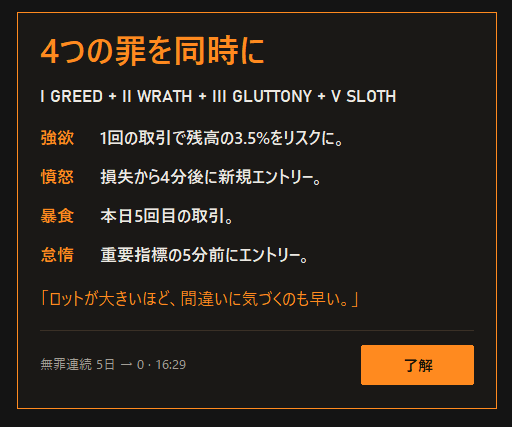
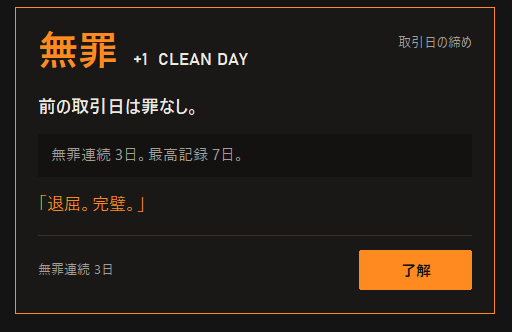
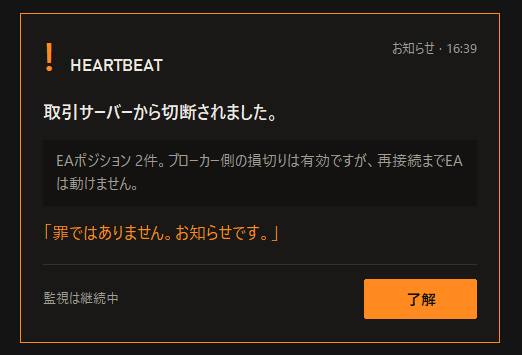


Seven Sins is a trading-discipline tool for MetaTrader 5. It watches your account and shows a "sin card" on the chart when you break one of your own trading rules. It never opens, closes or modifies a trade, and it gives no signals.
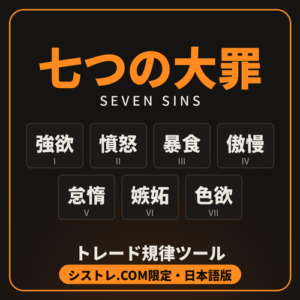
This Japanese edition is made only for Systre.com. Each sin has its own kanji card, and all the text on screen is in Japanese.
The seven sins
– Greed: the risk to your stop loss is more than your limit per trade.
– Wrath: a new trade during your cool-down after a losing trade.
– Gluttony: more trades in a day than your daily limit.
– Pride: no stop loss, a stop removed, or a stop moved further away.
– Sloth: a trade opened just before or after a high-impact news release (MT5 economic calendar).
– Envy: chasing a move that has already run much further than normal.
– Lust: closing a trade your EA opened, by hand.
Features
– You set your own limits: risk per trade, the cool-down after a loss, the daily trade limit, how long you have to add a stop, the news window and the chase limit.
– If one trade breaks several rules, they all show on one card, with one sound.
– Clean-day streak: a full trading day with no sins adds one; a single sin resets it to zero.
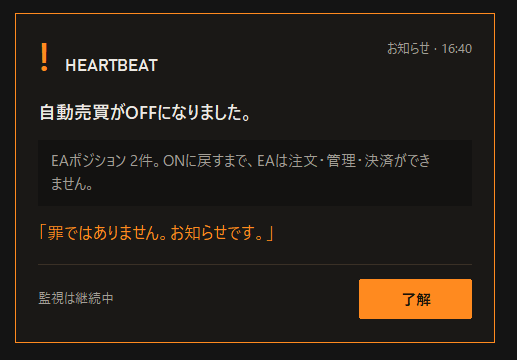
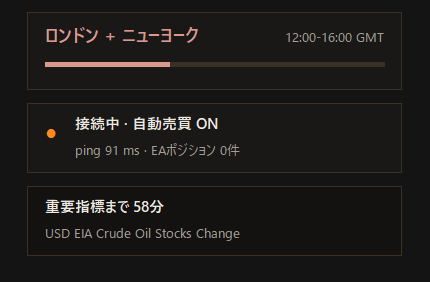
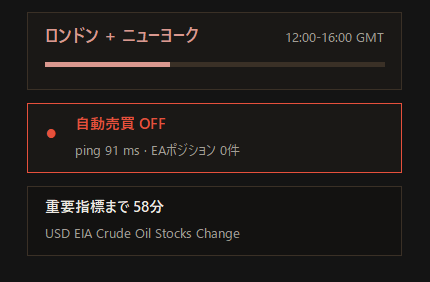
– Dashboard on a spare chart: the streak, today's sins, the current trading session, the next high-impact news, and a heartbeat warning if the connection drops or algo trading is switched off while EAs have positions open.
– Only checks manual trades; your EAs are not judged (except Lust, which watches you closing their trades).
– Three colour themes (Forge, Ice, Minimal) or your own colours; sounds can be adjusted.
What it does not do
It doesn't trade, give signals or promise better results. It reminds you of your own rules.
Important: how to install
– The file goes in the Experts folder (MQL5\Experts) and is attached to a chart like an EA. Allow algo trading so it can run.
– It never opens, modifies or closes any trades. It is listed as an indicator because it does not trade.
Requirements
MetaTrader 5 desktop (Windows). Attach it to one spare chart; it watches the whole account.